How to Switch from Excel to Accounting Software
Switch from Excel to accounting software in five steps: choose a start date, clean your data, import, set opening balances and check a parallel month. Example.
Quick answer
To switch from Excel to accounting software, pick a clean start date (ideally the start of a month, quarter or financial year), tidy your client, supplier and item lists, import or enter them, enter opening balances for bank, receivables and payables, then run the first month in both systems and compare. Keep your old spreadsheets as an archive.
Signs you have outgrown Excel
- Duplicate invoice numbers or broken formulas.
- Several versions of the same file.
- No quick view of overdue invoices.
- GST data takes hours to prepare.
- Others need access, so you email files around.
Step 1: choose a start date
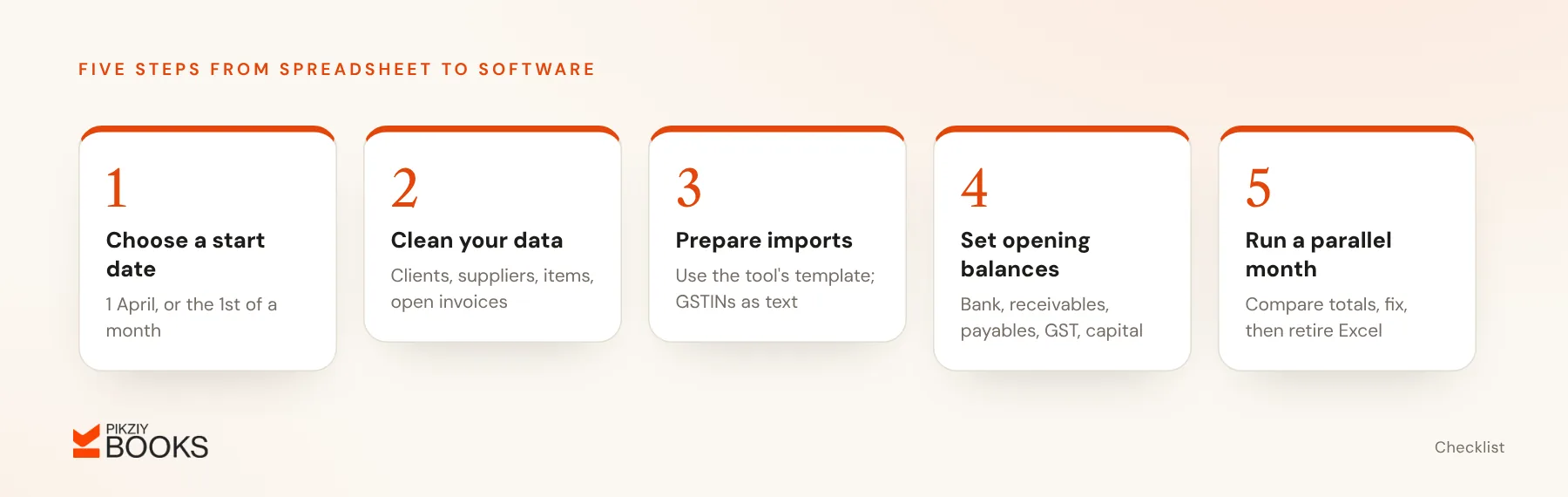
1 April is cleanest because it starts a new financial year. The 1st of any month also works. Avoid starting mid-month, which splits one month's GST data across two systems.
Step 2: clean your data
- Clients and suppliers: remove duplicates; complete legal names, GSTINs, addresses and emails.
- Items and services: consistent names, HSN or SAC codes and GST rates.
- Open invoices: list every unpaid invoice with its balance.
- Expense categories: settle on a short, consistent list; see how to categorise business expenses.
Step 3: prepare import files
Most software accepts CSV imports with set columns. Download the tool's template and paste your cleaned data into it. Make sure GSTINs and phone numbers are stored as text, so leading zeros are not lost.
In PikZiy Books, importing customers and items from a spreadsheet is part of the Enterprise plan. On other plans you add them in the app, which is quick for a short list.
Step 4: set opening balances
As on your start date, enter:
- Bank balances.
- Receivables by client, invoice by invoice.
- Payables by supplier.
- GST and TDS balances, if any.
- The owner's capital.
Step 5: run a parallel month
For the first month, record transactions in the new software and keep your spreadsheet going. At month end, compare totals for sales, expenses, receivables and bank. Fix any differences, then stop using the spreadsheet for new entries.
Worked example
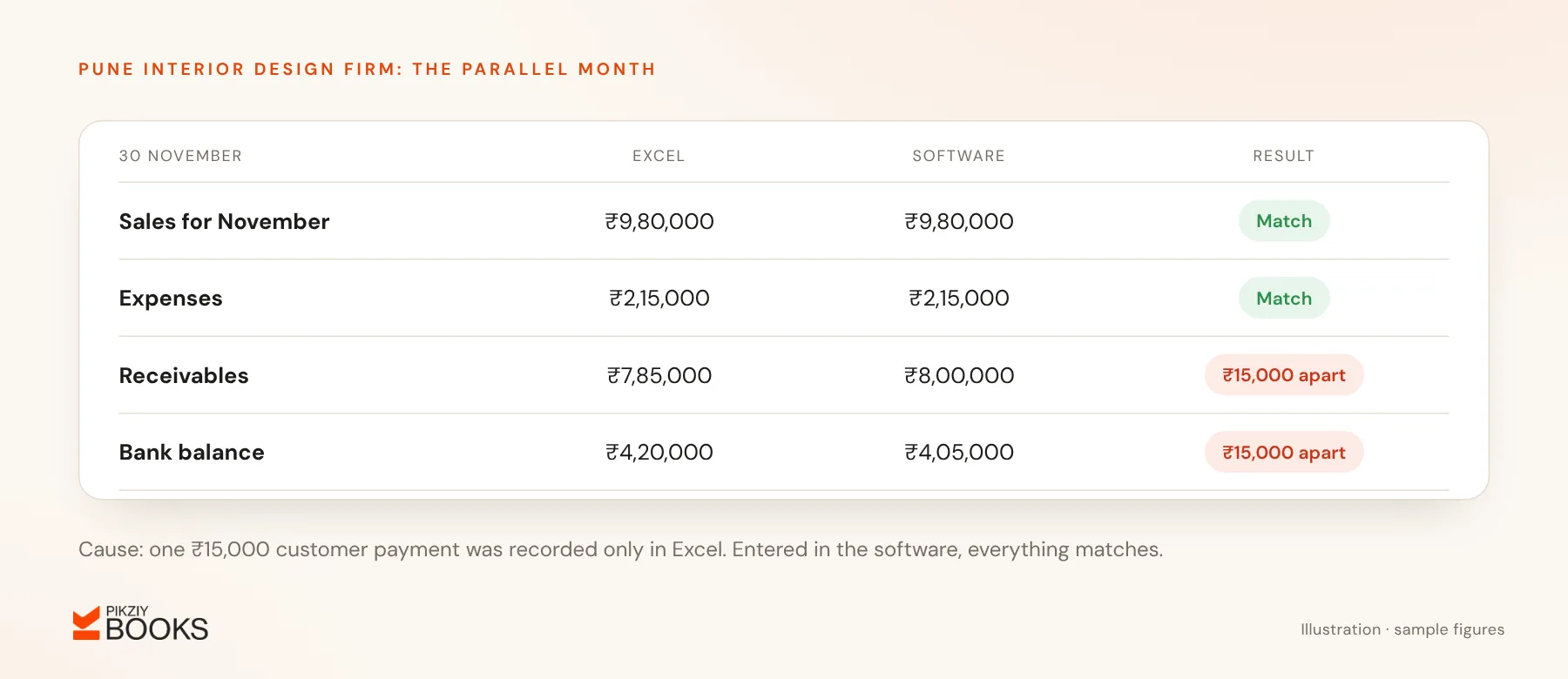
A Pune interior design firm moves on 1 November:
- 86 clients cleaned down to 71 after removing duplicates.
- 14 open invoices worth ₹6,40,000 entered as opening receivables.
- A bank balance of ₹3,12,000 entered.
- November invoices created in the new software, with the spreadsheet kept as a backup.
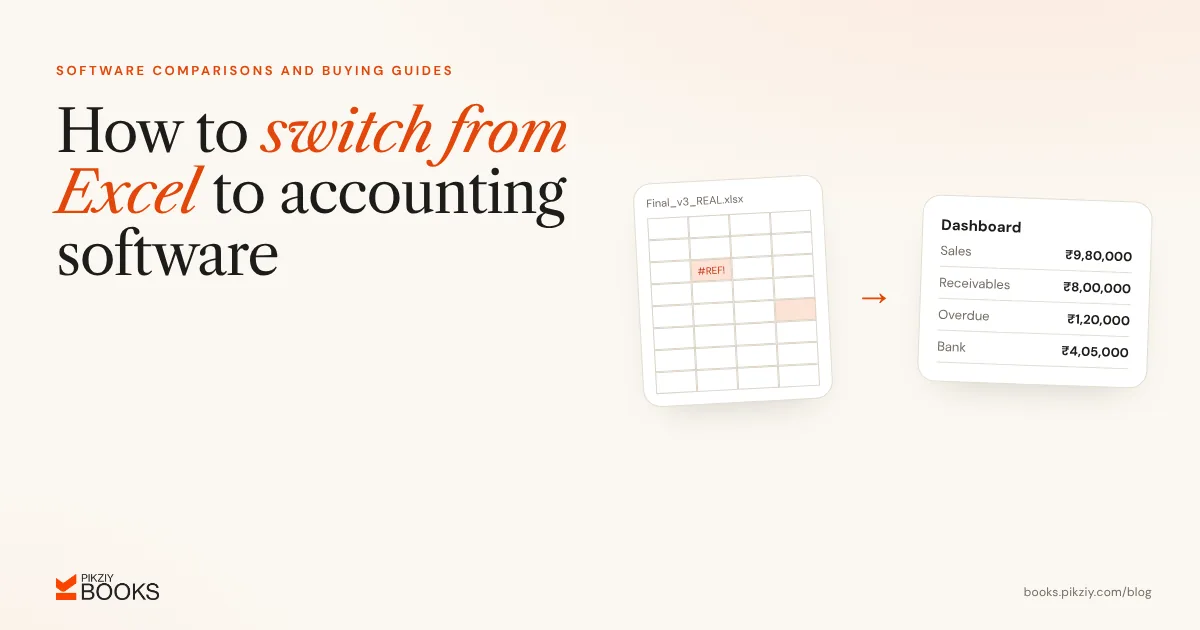
On 30 November both show ₹9,80,000 of sales and ₹2,15,000 of expenses. Receivables and the bank balance each differ by ₹15,000, because one customer payment was recorded only in Excel. Once it is entered in the software, everything matches and the spreadsheet is retired.
Common mistakes
- Migrating in the middle of a month.
- Importing messy data and planning to clean it later.
- Forgetting opening balances.
- Deleting spreadsheets you may need for audits or tax queries.
Frequently asked questions
Do I need to import old paid invoices?
How long does migration take?
Which software should I move to?
What should my first month in the new system include?
Next step
Pick your start date and clean your client list this week; that is most of the work. If you are moving a service business off spreadsheets, join the PikZiy Books waitlist to hear when sign-ups open.