Best Invoice Generators for Freelancers in India (Free and Paid)
What makes good invoice generators for freelancers in India: GST and non-GST modes, correct tax, a clean PDF, privacy and no forced sign-up. Options compared.
Quick answer
Good invoice generators for freelancers in India let you create GST and non-GST invoices, split CGST, SGST and IGST correctly, add HSN or SAC codes, write the amount in rupees in words, produce a clean PDF and let you download it without forcing you to sign up. They should also be clear about what they do with the client details you type in.
What to look for
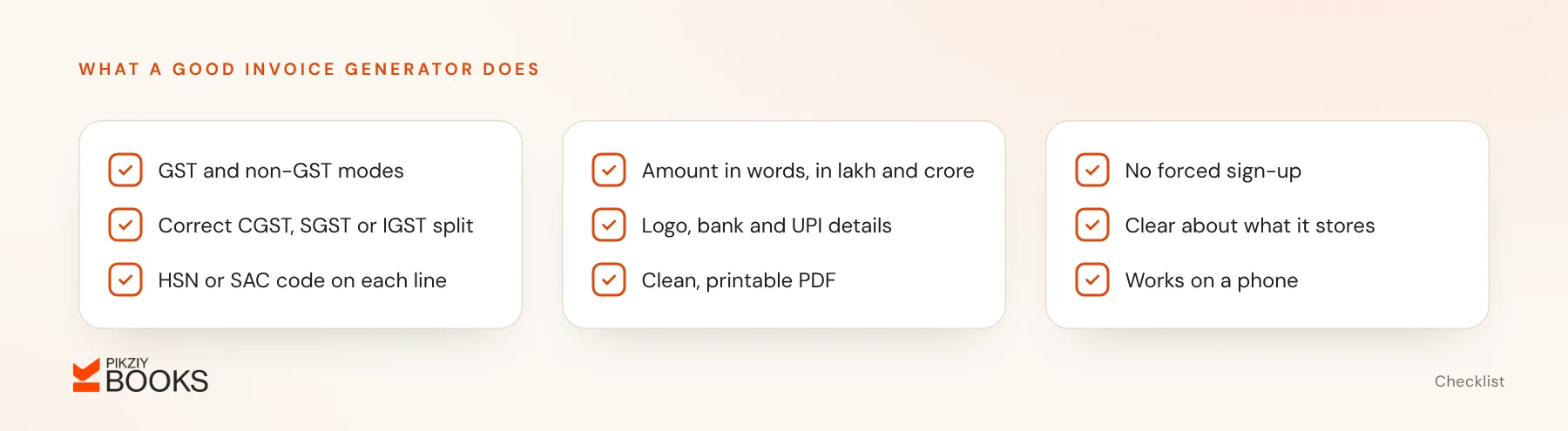
- GST mode and non-GST mode. If you are not registered, the invoice must not show GST.
- The correct tax split based on place of supply; see CGST, SGST and IGST explained.
- An HSN or SAC field on each line; see HSN vs SAC codes.
- The amount in words in the Indian format, in lakh and crore.
- Your logo, bank and UPI details.
- A clean, printable PDF.
- No forced registration for a one-off invoice.
- Privacy: no silent storage of your clients' details.
- Works on a phone.
Options to consider
- Zoho Invoice: free invoicing software (500 invoices a year and 2 users on the free plan). It needs an account and saves your data, which also means it numbers invoices and tracks payments for you.
- Refrens: an online invoice generator tied to the Refrens platform, with a free plan and paid upgrades.
- Spreadsheet templates: Excel or Google Sheets give full control, but you calculate tax and track numbers yourself.
- Invoicing software with a trial, such as PikZiy Books (our own product, opening in November 2026), if you will invoice every month and want payment tracking.
Generator vs invoicing software
| Invoice generator | Invoicing software | |
|---|---|---|
| Best for | Occasional invoices | Regular invoicing |
| Saves clients and items | Usually not | Yes |
| Numbers invoices | You do it | Automatically, in sequence |
| Tracks payment status | No | Yes, with reminders |
| Reports for tax time | No | Yes |
If you invoice more than a few times a month, a generator's lack of numbering and payment tracking becomes a real cost. See the best billing software for freelancers.
Worked example
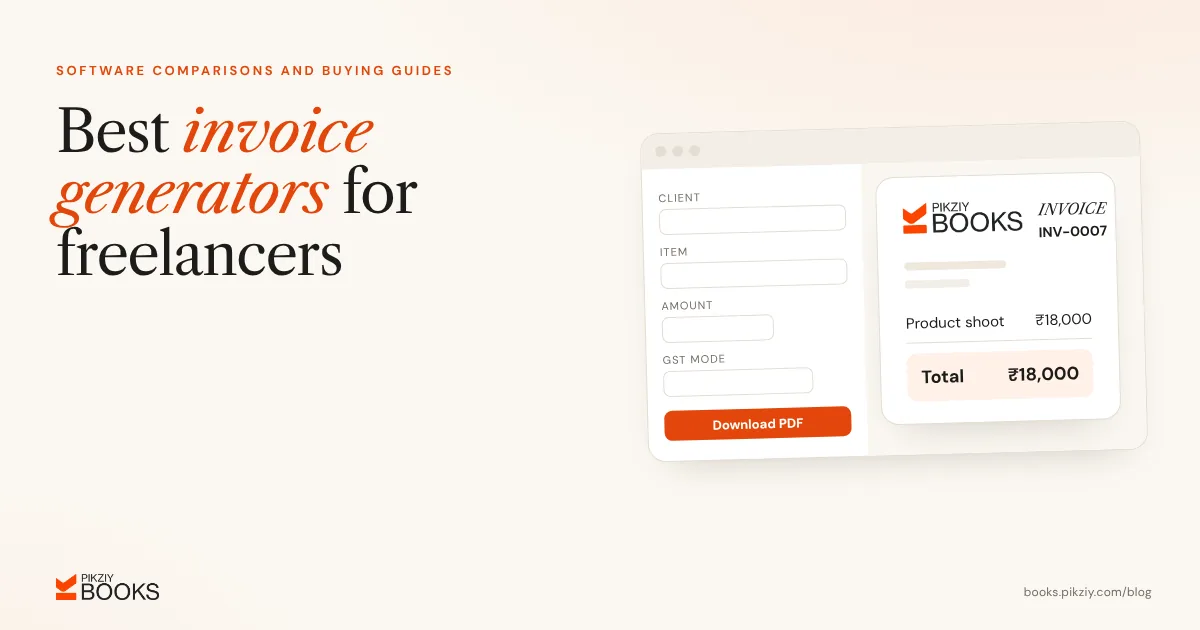
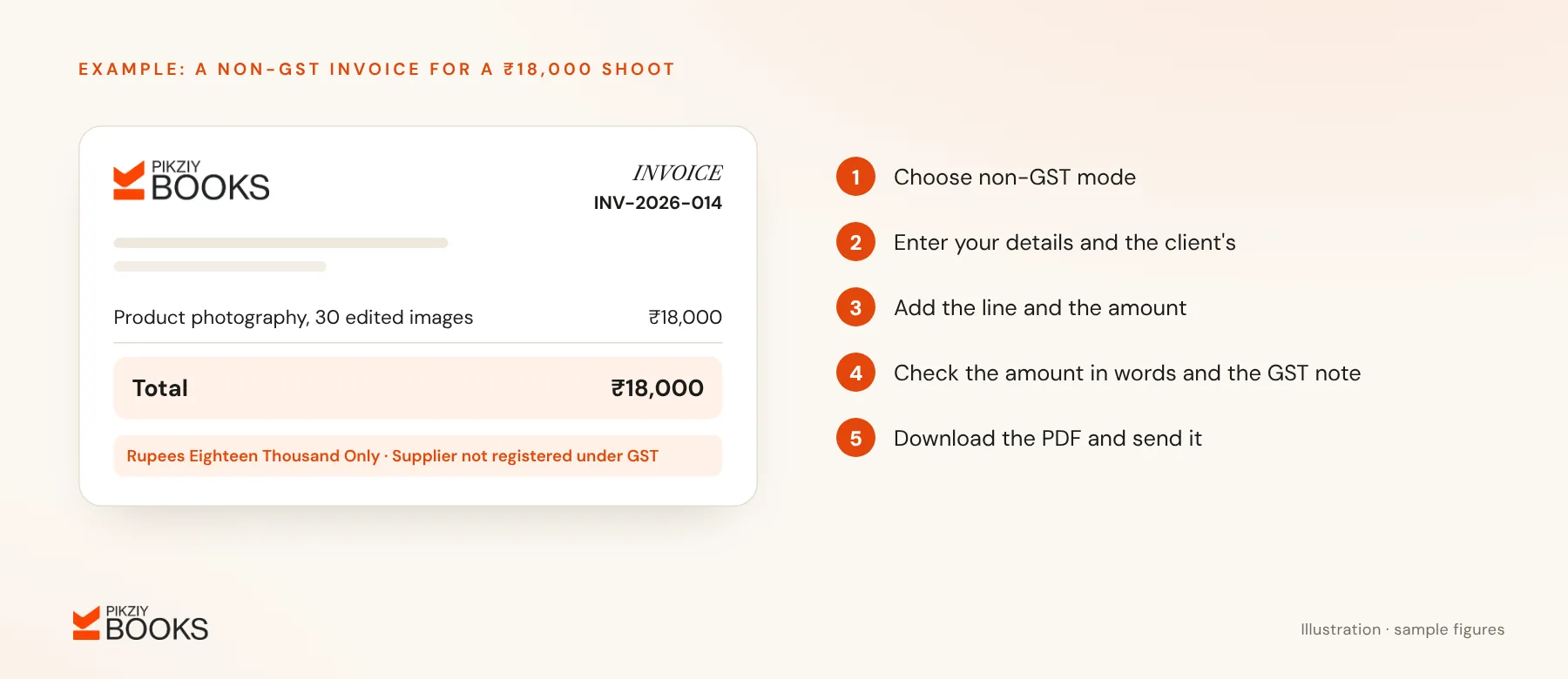
A freelance photographer in Goa, not registered under GST, needs a quick invoice for an ₹18,000 product shoot. In a generator:
- Choose non-GST mode.
- Enter your details and the client's.
- Add “Product photography, 30 edited images” at ₹18,000.
- Check that it reads “Rupees Eighteen Thousand Only” and add a note that the supplier is not registered under GST.
- Download the PDF and send it.
More on this in how to create an invoice without GST registration.
Common mistakes with generators
- Using a generator that supports only one tax type.
- Losing track of invoice numbers because nothing is saved; see invoice numbering in India.
- Typing client data into tools with unclear privacy terms.
- Forgetting to record the invoice anywhere, so it is never followed up.
Frequently asked questions
Are online invoices legally valid?
Can I add my logo?
Do generators keep my data?
When should I move to software?
Next step
Use the nine-point checklist above to test the next generator you try. When you invoice every month, join the PikZiy Books waitlist to move to invoices that number themselves and track payment.