Free vs Paid Billing Software: When Should You Upgrade?
Free vs paid billing software: the usual free plan limits, signs it is time to upgrade, how to work out the real cost and a checklist before you pay.
Quick answer
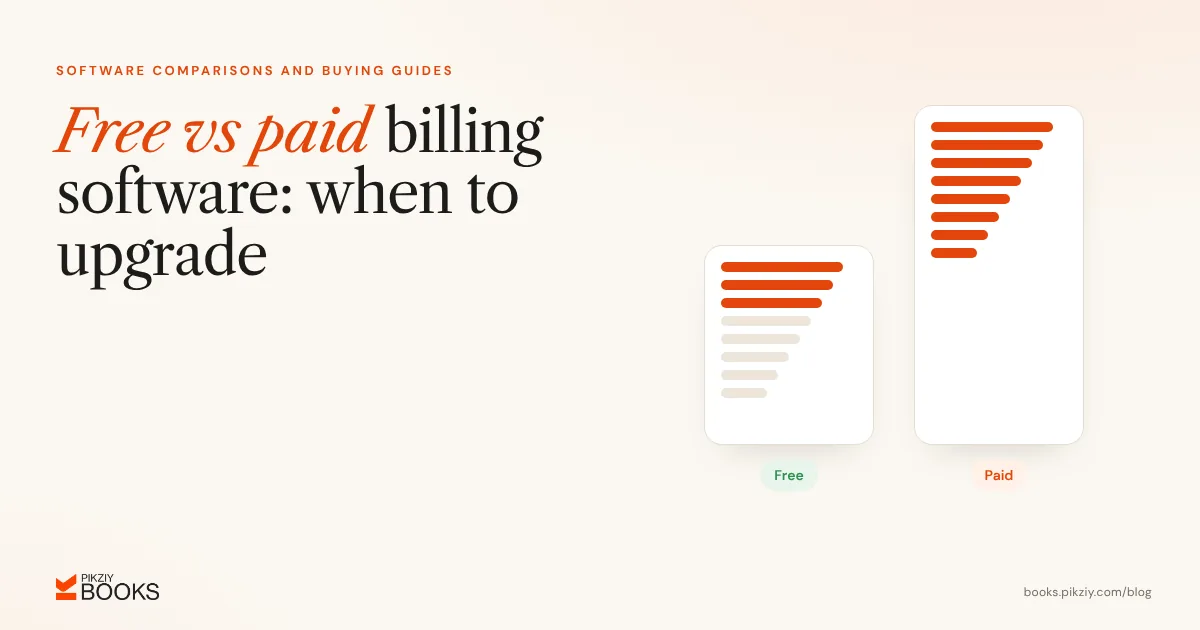
In the free vs paid billing software decision, free is enough when you send a handful of invoices a month, work alone and need little reporting. Upgrade when you hit plan limits, need more users, spend hours chasing payments or preparing tax data, want your own branding or need reliable support. Compare the subscription with the value of the time it saves.
What free plans usually include
- Basic GST and non-GST invoices.
- A limited number of clients, invoices or users.
- Simple reports.
- The vendor's branding on documents or emails.
For example, Zoho Invoice's free plan allows 500 invoices a year and 2 users, and Zoho Books' free plan applies only while revenue is under ₹25 lakh a year (both checked 22 October 2026).
Common free plan limits
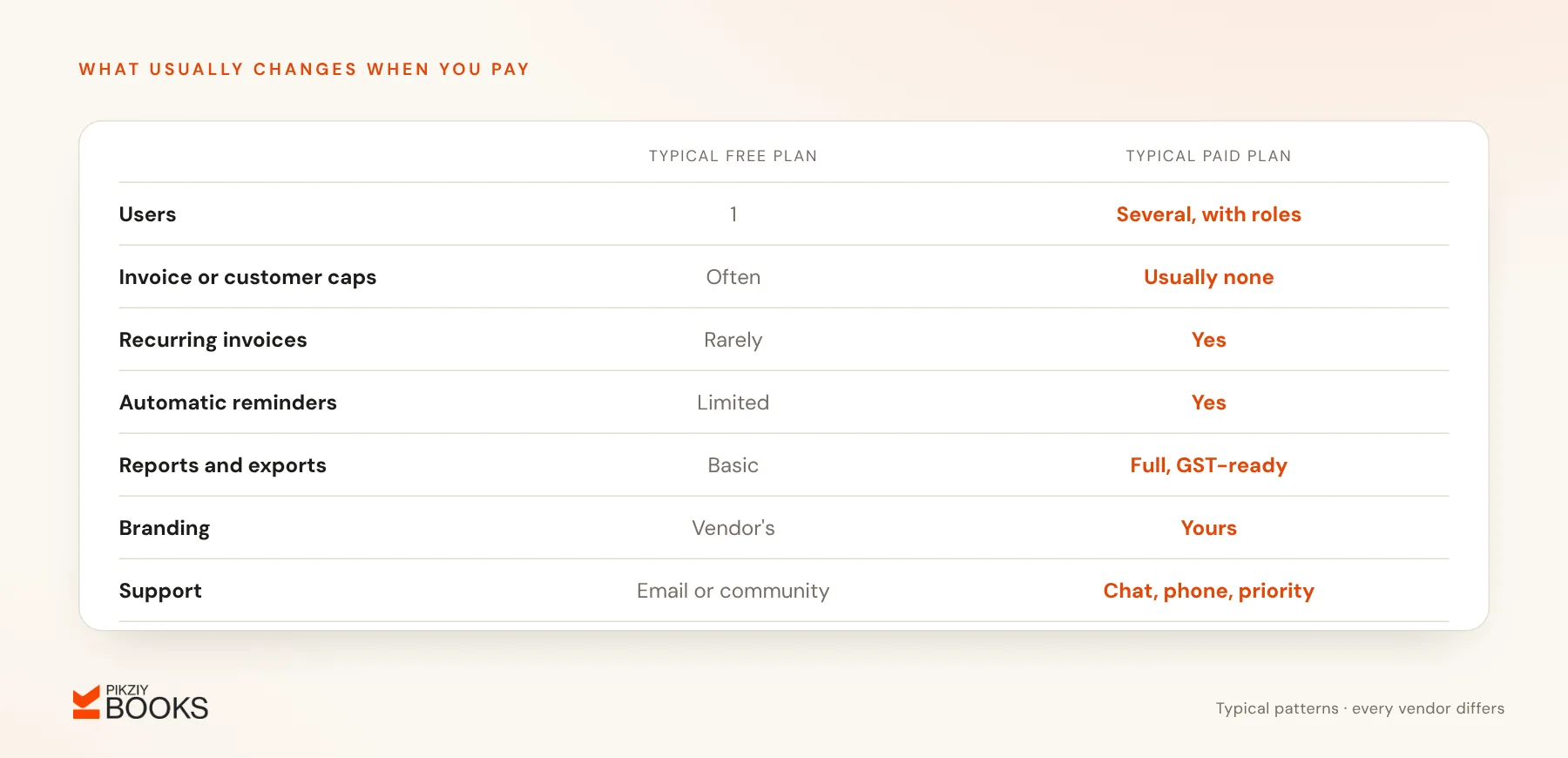
- One user only.
- Monthly or yearly caps on invoices, documents or customers.
- No recurring invoices or automatic reminders.
- Limited reports and exports.
- Email or community support only.
Signs it is time to upgrade
- You spend more than an hour a week on invoicing and follow-ups.
- Several clients are on monthly billing; see recurring invoices for monthly clients.
- A team member or your CA needs access.
- You need GST-ready data for GSTR-1 every month.
- You want your own branding, not the vendor's.
- Late payments are hurting your cash flow.
Work out the real cost
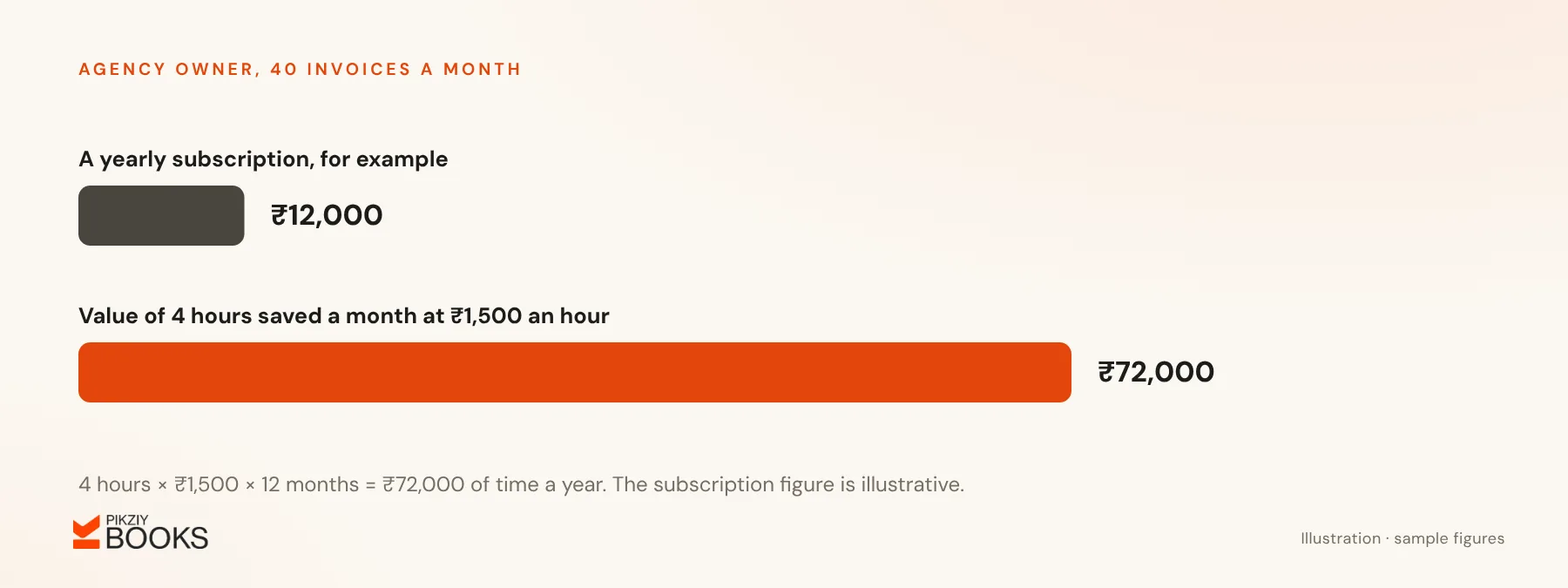
An agency owner sends 40 invoices a month and spends 6 hours a month on invoicing, reminders and reconciliation. If software saves 4 of those hours and the owner values their time at ₹1,500 an hour, the saving is ₹6,000 a month, or ₹72,000 a year. A subscription well below that pays for itself.
Faster collection adds to the saving. Automatic reminders and a clear view of overdue invoices often bring money in sooner; see how to track outstanding customer payments.
What to check before paying
- The total yearly cost including 18% GST.
- What happens when any introductory offer ends.
- User and feature limits on each plan.
- Export options and who owns the data.
- The length of the free trial.
For typical prices across Indian tools, see how much billing software costs in India.
About PikZiy Books
PikZiy Books is a paid product with a 14-day free trial and no free plan, opening for sign-ups in November 2026. Plans differ by features and team size, never by how many invoices or customers you have. If you are just starting out, a free tool may suit you better until your volume grows. Plan details are on the pricing page.
Frequently asked questions
Is it risky to keep business records in free software?
Should I pay monthly or yearly?
Can I claim GST on the subscription?
What if I outgrow a free tool mid-year?
Next step
Note how many hours you spent on invoicing and follow-ups last month, and multiply by what your time is worth. If that beats the cost of a paid plan, it is time to upgrade.