Tally vs Cloud Accounting Software: Pros and Cons
Tally vs cloud accounting for Indian businesses: access, depth, collaboration, updates, data control and three-year cost compared, to help you choose.
Quick answer
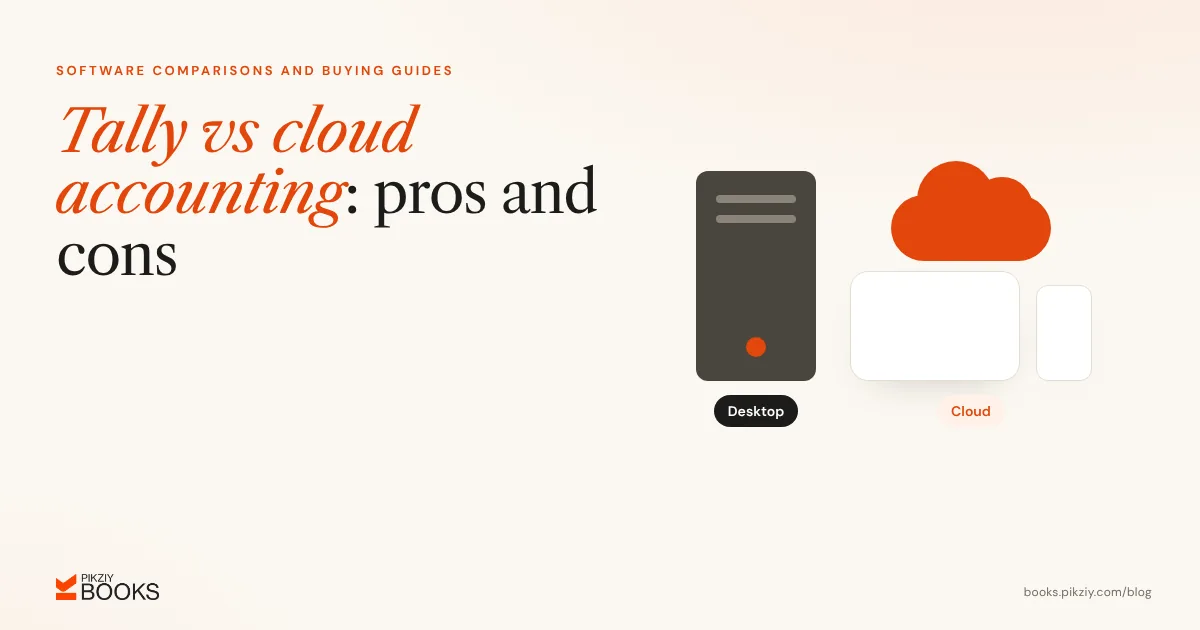
In the Tally vs cloud accounting choice, TallyPrime is mature desktop software with deep accounting and GST features, wide familiarity among accountants, and a one-time licence (or rental). Cloud accounting software runs in a browser, works from anywhere, updates itself and is paid by subscription. Choose Tally if your accountant works in it and you need depth on a few computers. Choose cloud if you want remote access, easy collaboration and less IT upkeep.
How they differ
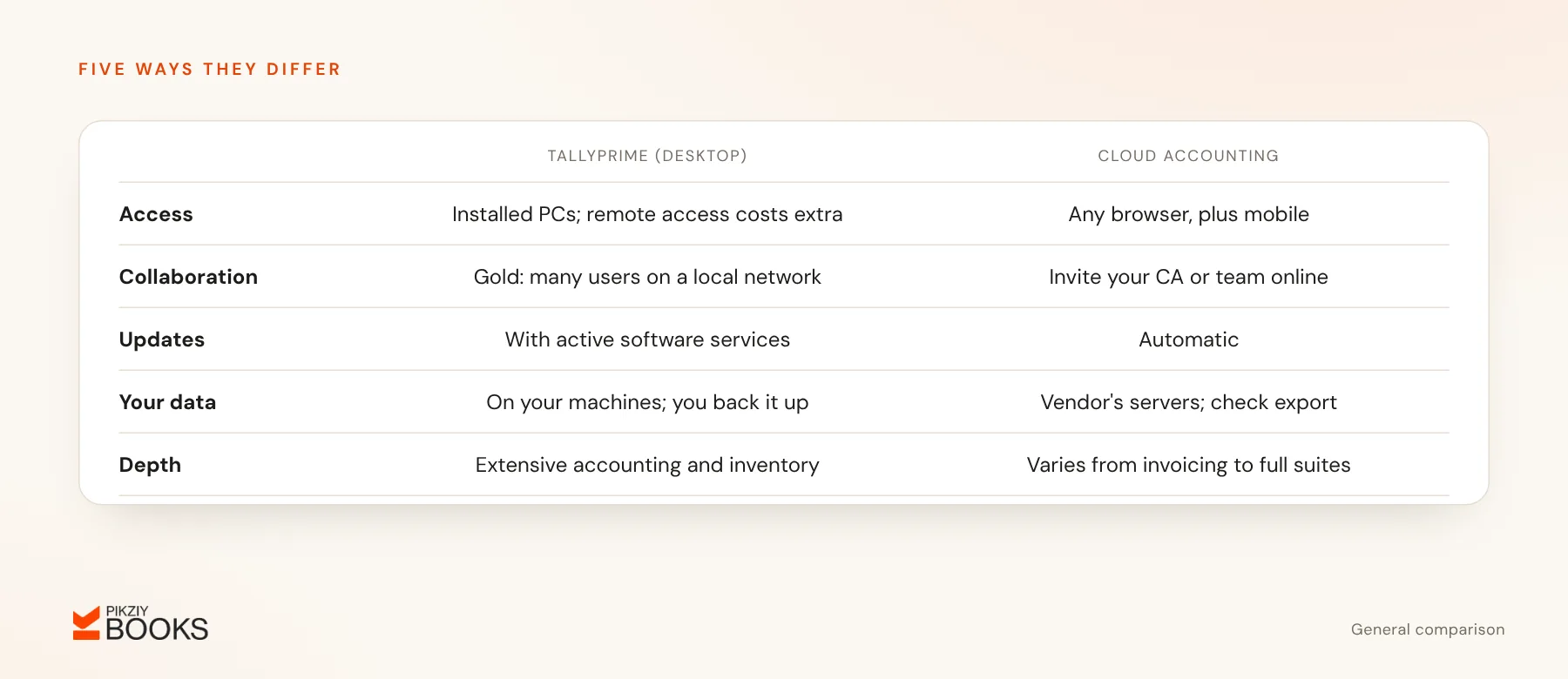
- Access: Tally is installed on computers, with remote and cloud access available at extra cost. Cloud software works in any browser and usually on mobile.
- Collaboration: cloud tools make it easy to invite your CA or team. TallyPrime Gold supports multiple users on a local network.
- Updates: Tally updates come with an active software services subscription. Cloud tools update automatically.
- Data control: Tally data sits on your machines, and you handle backups. Cloud data sits on the vendor's servers, so check their security and export options.
- Accounting depth: Tally offers extensive accounting, inventory and compliance features. Cloud products range from simple invoicing to full suites.
Costs
| TallyPrime | Silver (one computer) | Gold (multi-user) |
|---|---|---|
| Buy outright | ₹22,500 | ₹67,500 |
| Rent yearly | ₹8,100 a year | ₹24,300 a year |
| Rent monthly | ₹750 a month | ₹2,250 a month |
| Software services renewal (if bought) | About ₹4,500 a year | About ₹13,500 a year |
Licence and rental prices are from Tally's buy page; renewal figures are as widely reported by Tally partners. Cloud accounting is usually a monthly or yearly subscription, and some vendors offer free plans for very small businesses. Zoho Books, for example, is free under ₹25 lakh revenue and lists paid plans from ₹749 a month billed yearly.
A three-year view for one user
- TallyPrime Silver bought outright: ₹22,500 plus two renewals of about ₹4,500 = about ₹31,500, plus your own backups and hardware.
- TallyPrime Silver rented: ₹8,100 × 3 = ₹24,300.
- Cloud subscription at an illustrative ₹900 a month: ₹32,400.
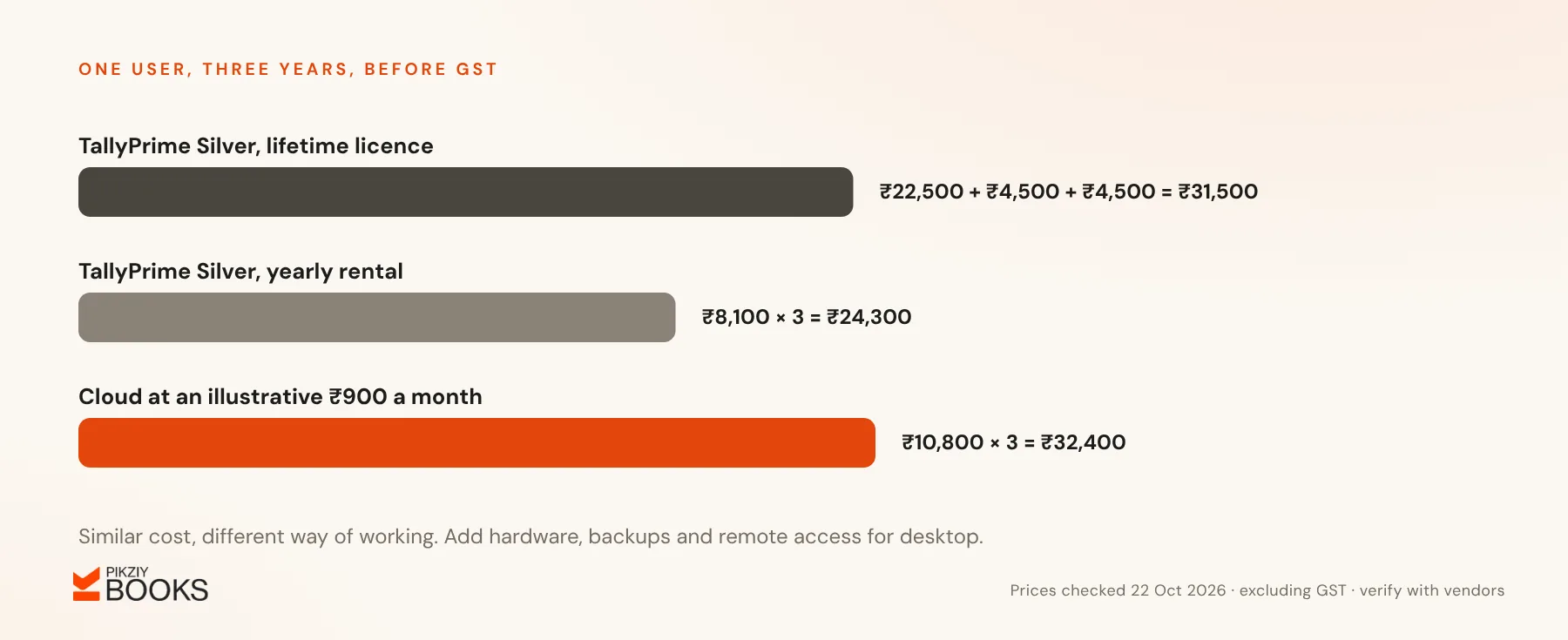
All figures are before GST. Because the totals are close, the decision usually rests on access, collaboration and how you work with your accountant, not on price.
Pros and cons
| Pros | Cons | |
|---|---|---|
| Tally | Accountants know it; deep features; works offline; licence or rental | Tied to devices unless you add remote access; you manage backups; multi-user needs Gold |
| Cloud | Access anywhere; automatic updates and backups; easy CA access; low upfront cost | Needs internet; ongoing subscription; depth varies by product; data held by vendor |
Frequently asked questions
Can my CA work with cloud software?
Can I use both?
Is cloud accounting secure?
I still use Excel. Where do I start?
Next step
Ask your CA which they prefer, and list who needs access and from where. If cloud fits better and you run a service business, join the PikZiy Books waitlist to try it when sign-ups open.