Best Accounting Software for Small Business in India: A Guide
How to choose the best accounting software for small business in India: GST, invoicing, inventory, users, desktop vs cloud and three-year cost, with contenders.
Quick answer
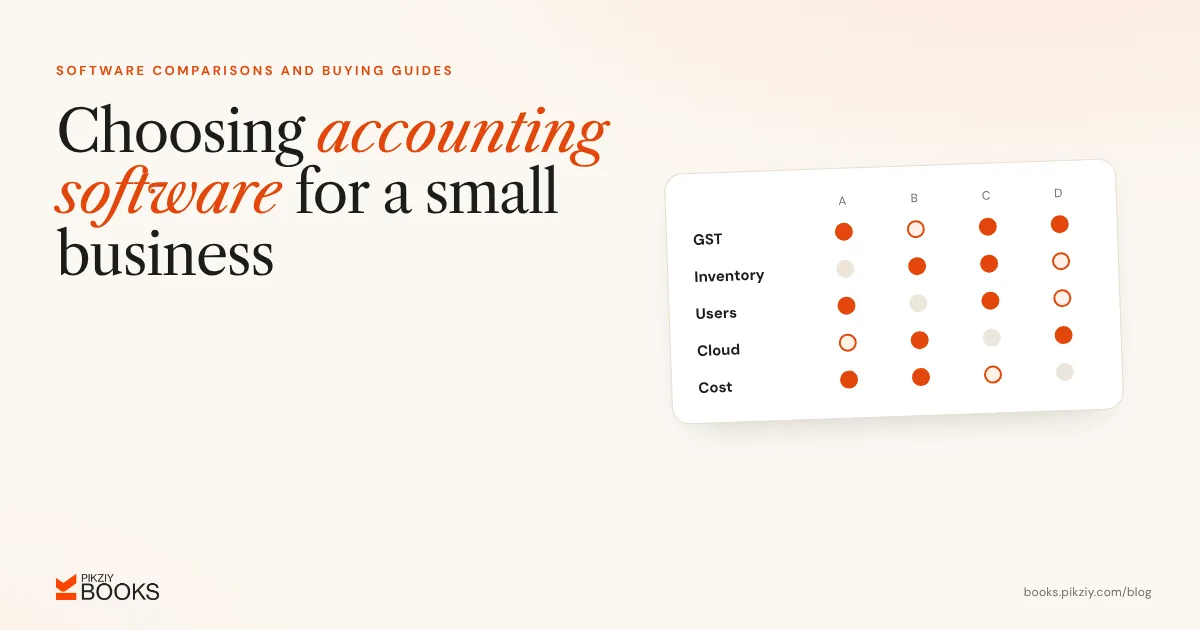
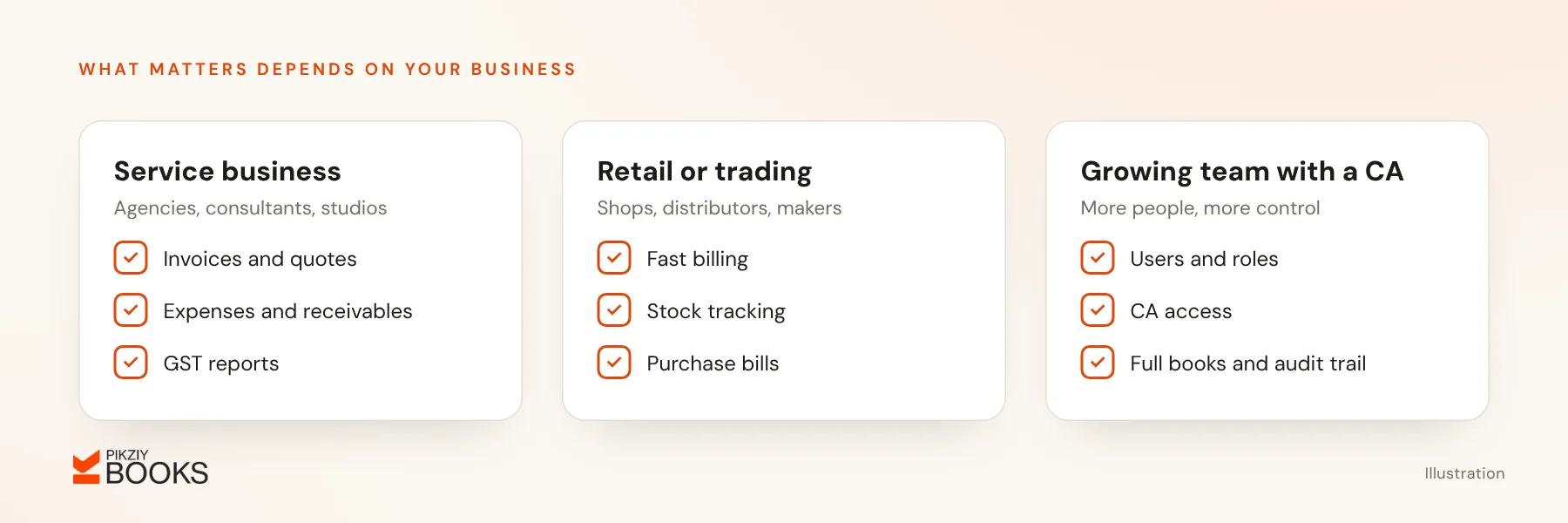
There is no single best accounting software for small business in India; there is a best fit for yours. Service businesses usually need invoicing, expenses, GST reports and receivables. Traders need inventory and fast billing. Growing teams need several users, roles and a clean audit trail. Shortlist two or three products that suit your type of business, add up the cost over three years and try each one with a month of your own data.
Features to weigh
- GST invoices, return data and reconciliation with GSTR-2B.
- Invoices, quotations, and credit and debit notes.
- Expenses and supplier bills.
- Inventory, if you sell goods.
- Bank reconciliation; see how bank reconciliation works.
- Reports: profit and loss, balance sheet, receivables.
- Users, roles and access for your CA.
- Cloud or desktop, and a mobile app.
- Data export and backups.
- Support quality and hours.
The main contenders
| Product | Type | Listed price, before GST | Typical fit |
|---|---|---|---|
| Zoho Books | Cloud accounting suite | Free under ₹25 lakh revenue; ₹749 to ₹7,999 a month billed yearly (₹899 to ₹9,599 billed monthly) | Service firms and growing companies |
| TallyPrime | Desktop accounting | Silver ₹22,500 or Gold ₹67,500 one-time; or rent from ₹750 a month (Silver) | Businesses whose accountant works in Tally |
| Vyapar | Billing and inventory app | Basic free mobile version; desktop from about ₹3,399 a year (reseller listing) | Shops and traders |
| myBillBook | Billing and inventory app | From about ₹3,490 a year (third-party listing) | Traders and retailers |
| Refrens | Invoicing-led platform | Free plan; paid from ₹8,900 a year | Freelancers and small agencies |
| PikZiy Books | Cloud, for service businesses | Published at launch; 14-day trial | Agencies, studios and consultants |
PikZiy Books is our own product, opening for sign-ups in November 2026. It is cloud billing and accounting built for service businesses: invoices, quotations, payment tracking and, on higher plans, expenses, GST returns and full double-entry books. There is a 14-day free trial and no free plan, and prices will be published at launch. E-invoicing and e-way bills are planned but not available yet.
Free vs paid
Free plans usually limit users, features or turnover. Zoho Books, for example, keeps its free plan only while revenue stays under ₹25 lakh a year. Paid plans add automation, users, reports and support. Always work out the yearly cost including 18% GST and any add-ons.
A three-year cost check
Compare the total over three years, not the first-year price. For one business with one user, before GST:
- TallyPrime Silver, bought outright: ₹22,500, plus software services renewal from the second year, widely reported by partners at about ₹4,500 a year, so about ₹31,500.
- TallyPrime Silver, rented: ₹8,100 a year, so ₹24,300.
- Zoho Books Standard, billed yearly: ₹749 a month, so ₹26,964.
- A higher cloud plan at ₹1,499 a month: ₹53,964.
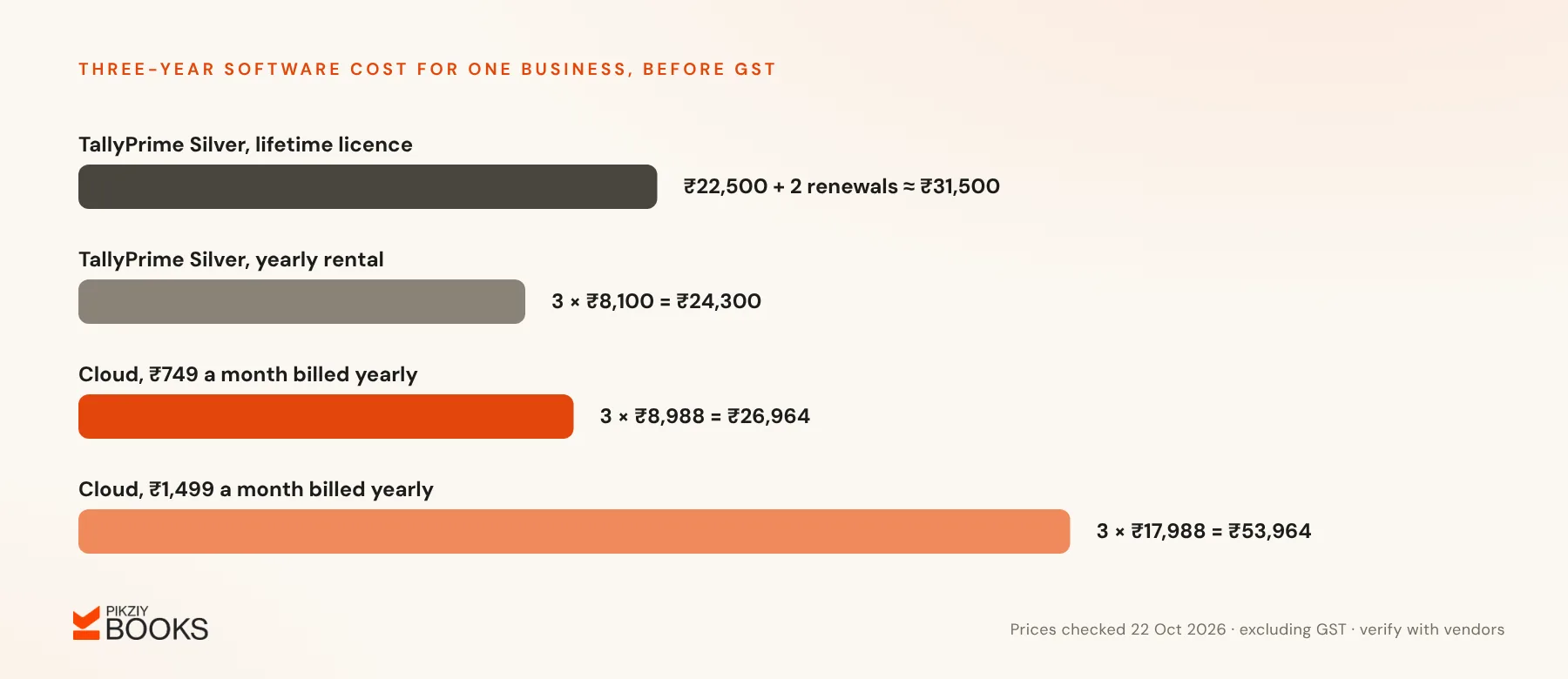
Add extra users, add-ons, hardware, backups and your own time. A cheaper licence that needs more manual work can cost more overall. For a deeper look, see Tally vs cloud accounting.
Checklist before you buy
- List your must-have features.
- Enter a month of real invoices and expenses during the trial.
- Produce a GST report and a profit and loss statement.
- Ask your CA whether they can work with it.
- Confirm what you can export, and in which formats.
- Read the renewal terms and the price after any offer.
Frequently asked questions
Is Tally better than cloud software?
Can I switch software in the middle of the year?
Do I need inventory features?
How do I compare Zoho Books and Vyapar?
Next step
Pick your top two contenders and run the same month of data through both. To see what PikZiy Books includes on each plan, visit the pricing page; prices appear there at launch.